
Login: Complete Login Guide

If you enjoy online games that combine entertainment with rewards, chances are you have already heard of SM999 Game. This popular gaming platform lets players have fun and earn money at the same time. However, before you can start playing or manage your account, you first need to log in correctly. Whether you use a smartphone or a computer, the process is straightforward as long as you follow the right steps.
Many users, especially beginners, run into minor problems or feel confused the first time they try to log in. Entering incorrect details or facing issues with the app are common causes. This guide will help you avoid these mistakes so you can access your account smoothly and without any hassle.
Step-by-Step Guide to SM999 Login
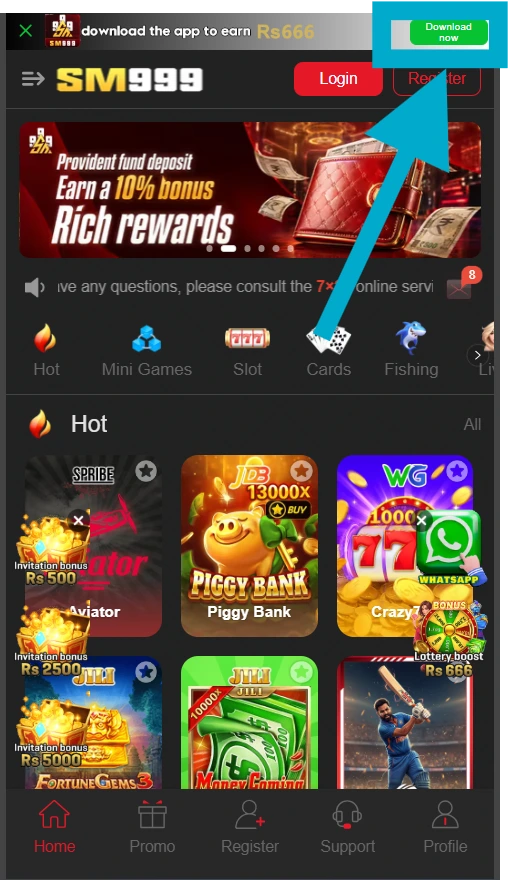
1. Download and Install the App
Start by getting the official SM999 app on your phone. Download it only from the official website or a trusted app store, and avoid fake apps or third-party sites so your device stays safe. After the download finishes, install the app and approve any permissions it requests.
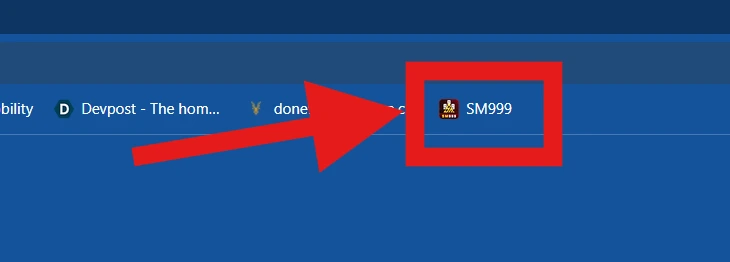
2. Launch the SM999 App
Tap the SM999 icon on your home screen to open it. The welcome screen will offer both login and registration options. New users should register first, while existing users can go straight to the login steps.
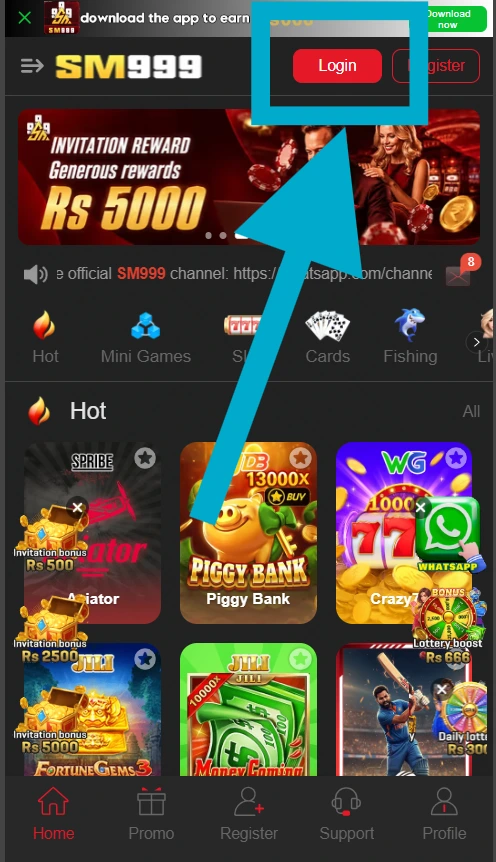
3. Tap the Login Button
Select the “Login” button on the welcome screen to reach the login page. Before you continue, check that your internet connection is stable so the page loads without problems.
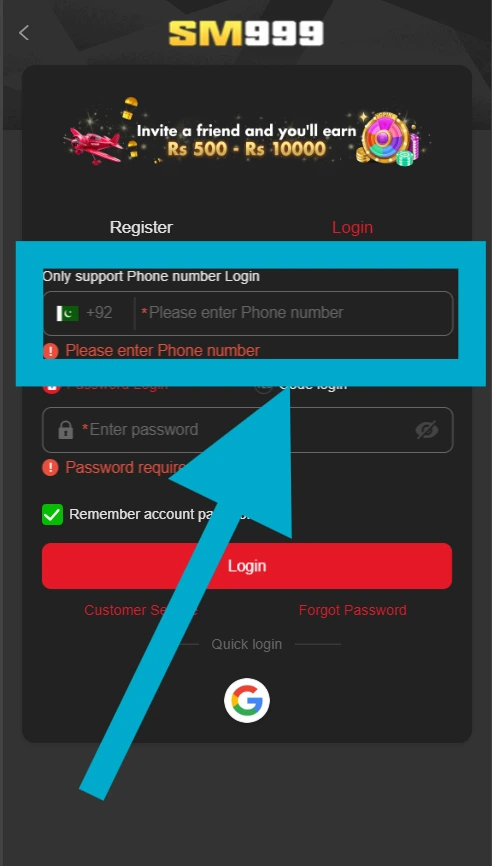
4. Enter Your Mobile Number or Email
SM999 usually asks for the mobile number linked to your account, so enter the same one you used when signing up. Some versions also let you log in with an email address. Double-check what you type to avoid mistakes.
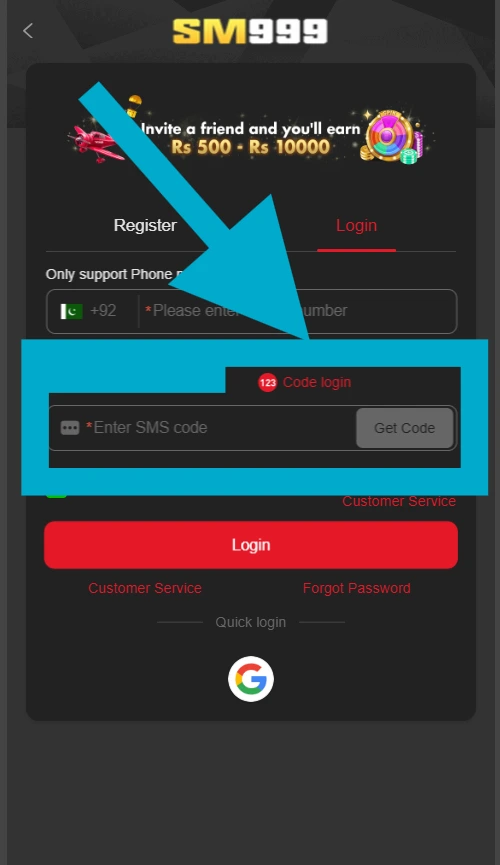
5. Enter the OTP
The app will text a one-time password (OTP) to your number. Open your messages and type the code into the app. This step confirms your identity and keeps your account secure.
6. Open Your Account Dashboard
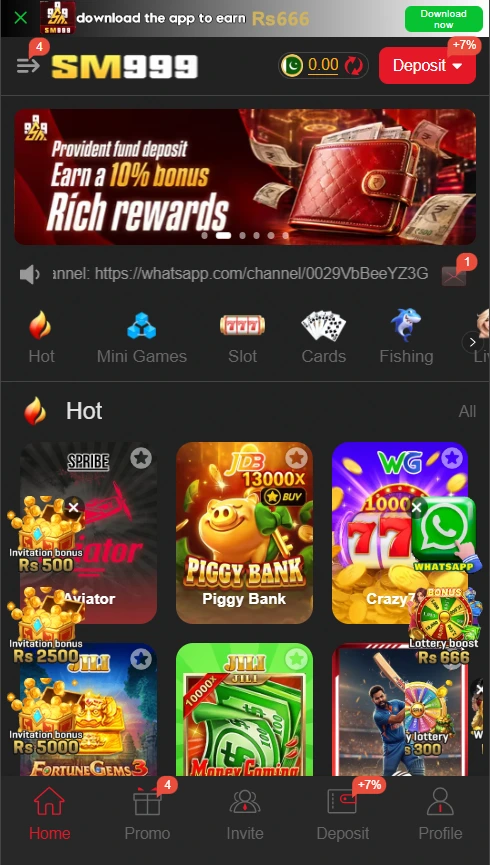
Once the OTP is verified, you’re logged in. From your dashboard you can play games, check your balance, or make withdrawals.
7. Recover Your Account if Needed
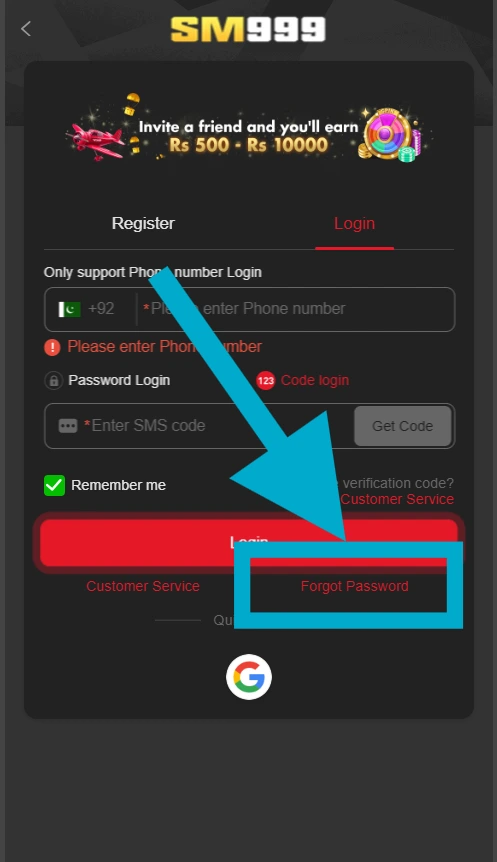
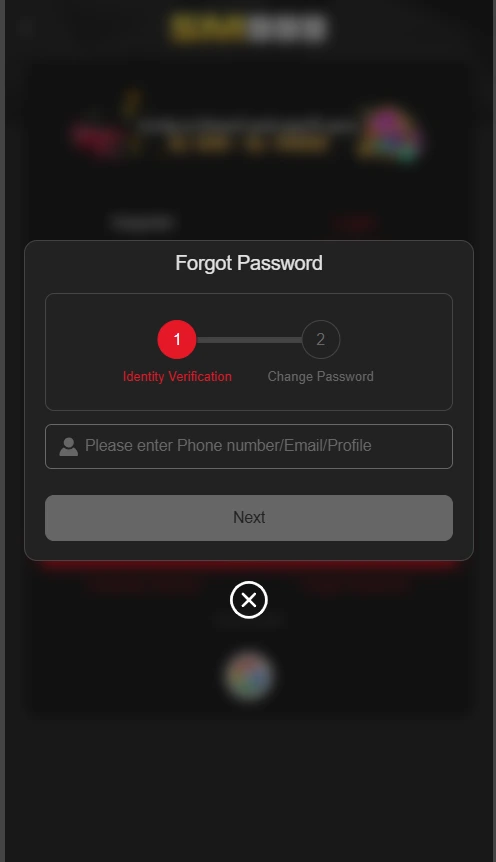
If you forget SM999 login details or can no longer access your number, tap “Forgot Password” on the login page. Follow the on-screen instructions to recover your account safely.
Tips for a Smooth and Safe SM999 Login
Common SM999 Login Problems and How to Fix Them
Conclusion
Getting into your SM999 account is easy as long as you follow the right steps. Use the correct mobile number, type in your OTP carefully, and keep the app up to date. With this simple guide, you can log in smoothly without any confusion or delays.
SM999 is a great way to pass the time, and it’s even better when you can log in quickly and safely. Follow the steps above, and you’ll be ready to play, earn, and enjoy every feature SM999 has to offer, with no login trouble along the way.